
What Is an MCP, and Why Should a Marketing Founder Care?
 Digital PratikGrowth Marketing Consultant
 An MCP, or model context protocol, is the standard way an AI connects to a tool.
Think of it as a USB port for AI.
Before USB, every device needed its own special cable, and MCP does for AI and your software what USB did for hardware.
Your email, calendar, database and CRM each become a port the AI can plug into, which is the line between a system that talks and one that acts.
People ask how my AI can read my email, check my calendar, pull my costs and send a message. The answer is three letters, and it is genuinely worth ten minutes of a non-technical founder time.
The plainest explanation I have
Before USB, every device needed its own special cable. A different plug for your printer, your mouse, your camera, your phone.
Drawers full of cables and none of them interchangeable. Then one universal plug arrived and the chaos ended.
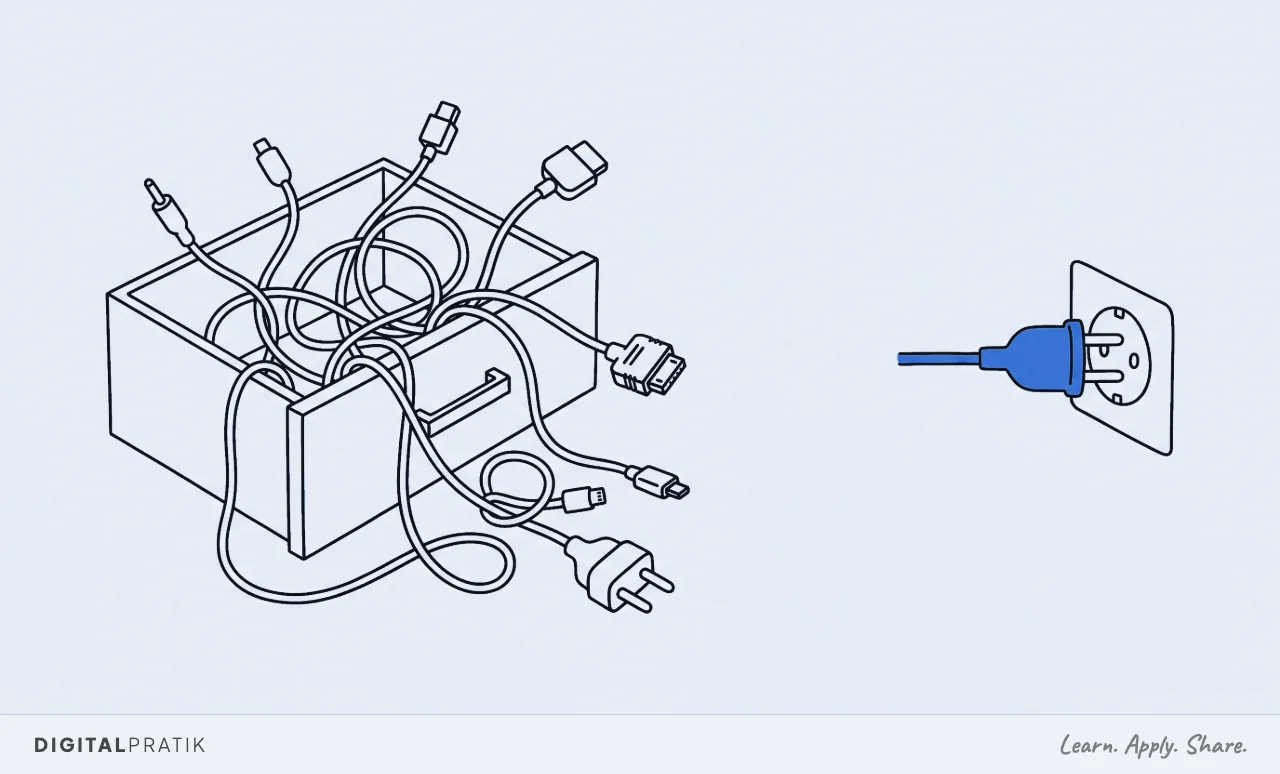
MCP does that for AI and your software. Rather than building a custom bridge between the AI and every single application you use, each application exposes a standard port that the AI can plug into.
Email, calendar, your database, your CRM, your ad accounts, your files. One shape of connection, many things connected.
That is the entire concept. Everything else is a consequence of it.
Why this is the thing that matters
A chatbot with no tools can only talk. It is a brain in a jar.
It can describe an excellent follow up strategy in detail and your follow up will remain exactly as broken as it was before you asked.
The moment you give it these connections it can do things. Read the real data.
Take the real action. In your actual business rather than in a hypothetical one.
That is the line between a toy and an operator, and it is a much bigger line than the difference between one model and another.
A brain with no hands is a consultant. A brain with hands is an employee.
That distinction decides what the thing is worth, which I go into properly in AI employees, not chatbots.
The mental model to keep
Three parts, and it is worth holding all three because people habitually obsess over the first one.
| What it is | What happens without it | |
|---|---|---|
| The brain | The AI model that reasons | Nothing works at all |
| The memory | Your written context and knowledge | Confident, generic, sounds like nobody |
| The hands | MCP connections to your real tools | It can only advise, never act |
Brain, memory, hands. Take away the hands and the most capable model on earth can only give you advice.
Add the hands and it runs the work. Take away the memory and it acts confidently in a voice that is not yours, which is arguably worse than doing nothing.
The memory half of that is covered here, and it is where most of the real effort actually goes.
What this looks like for a marketing founder
Concretely, rather than abstractly. Each of these is a hand you are choosing to give it.
- Your inbox. It reads what came in, sorts it, drafts replies in your voice and queues them for you to approve.
- Your calendar. It knows what your week actually looks like before it proposes anything to anyone.
- Your ad accounts. It pulls real performance rather than asking you to paste a screenshot, and can flag what needs attention.
- Your pipeline. It sees who is in what stage and can tell you who is worth calling today rather than producing a generic list.
- Your numbers. It reads costs and revenue from the source instead of from a spreadsheet somebody forgot to update.
Notice that none of those require a new tool. They require the AI to reach the tools you already pay for, which is a very different and much cheaper proposition than replacing your stack.
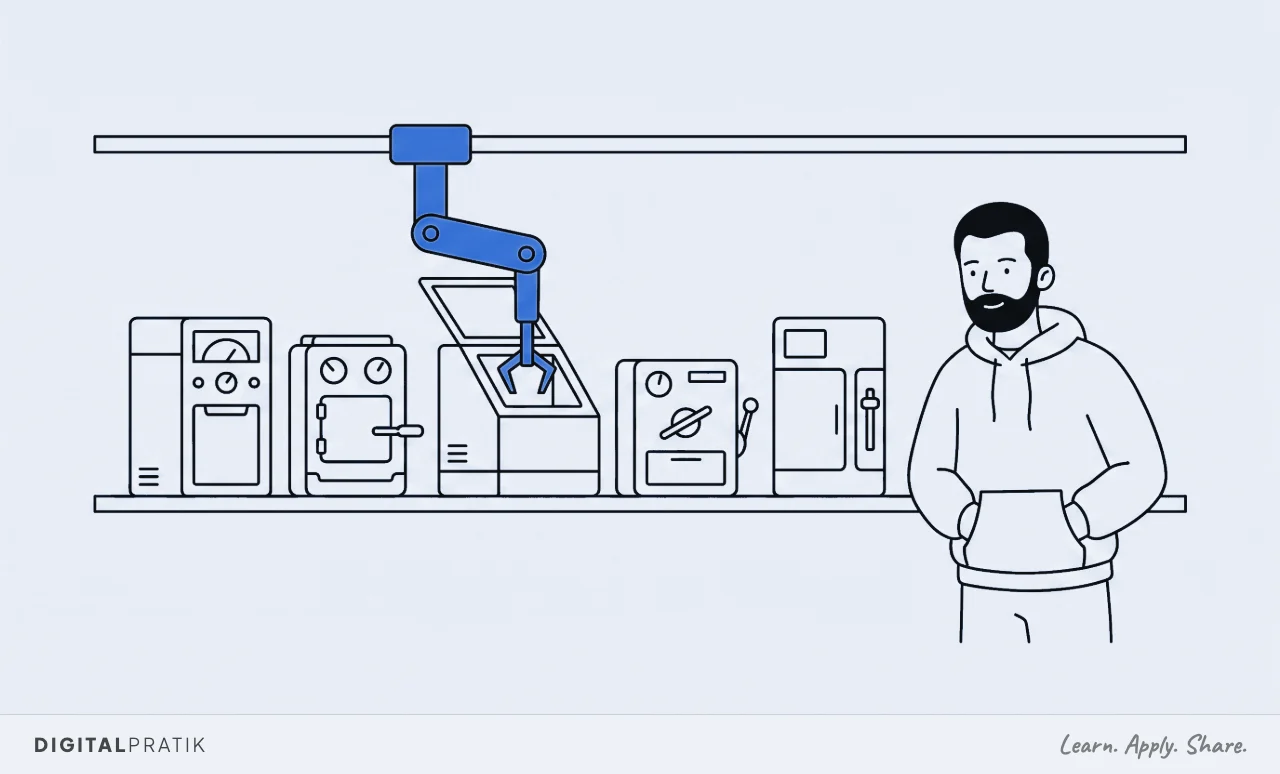
Reading about a system and running one are different jobs. If your business does AED 10 million a year or more, this is what a working session looks like.
What an MCP is not
Three quick corrections, because the term gets stretched in sales conversations until it means whatever the seller needs it to mean.
It is not the AI. The model does the thinking, the connection just lets it reach something.
Swapping to a better model does not give you hands, and having hands does not make a weak model clever.
It is not a replacement for your existing tools. Your CRM stays your CRM.
This is the AI reaching into it rather than a reason to move off it, which is usually a relief for anyone who has been told that adopting AI means replacing their stack.
And it is not automation on its own. A connection makes an action possible.
Deciding when that action should happen, in what order, with what checks, is a separate piece of work and it is the one that actually takes time.
How to tell whether your AI has hands
A short diagnostic you can run in about a minute on whatever you are already paying for.
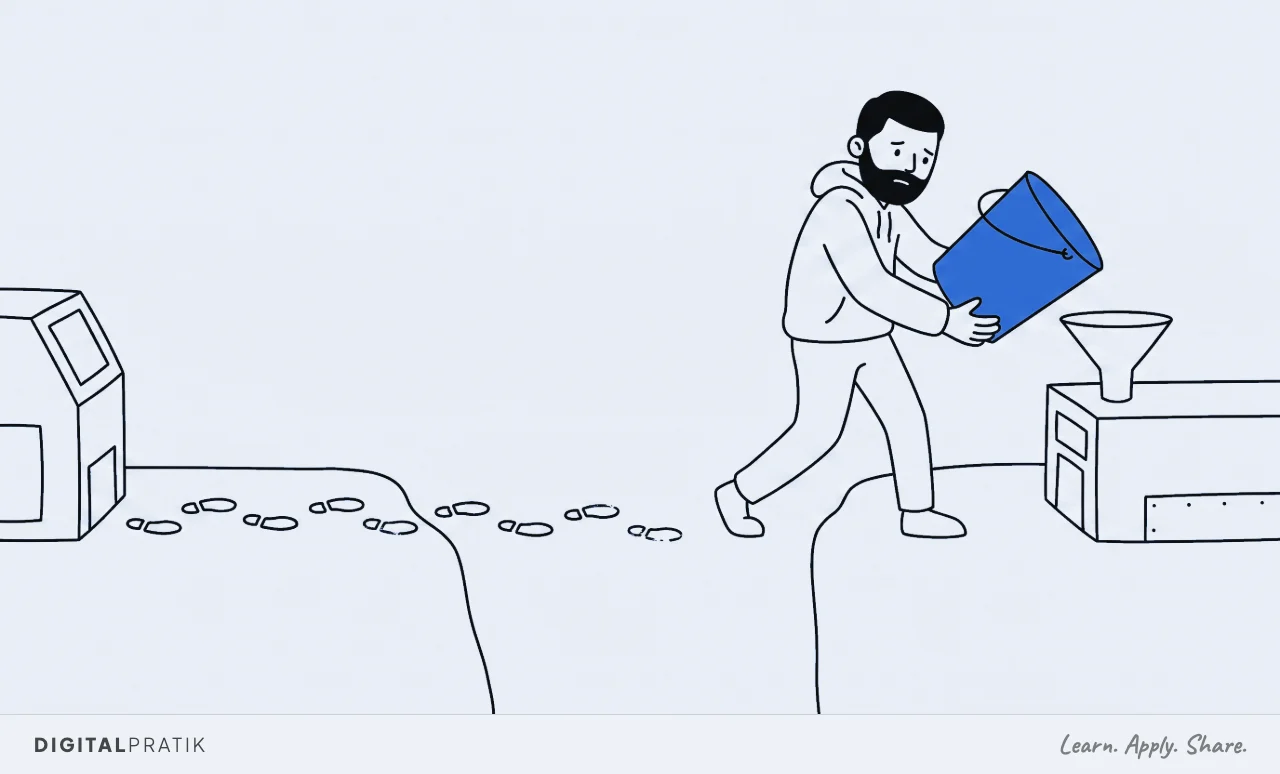
- Are you pasting? If you copy information in and copy answers out, it has no hands. This is the single clearest tell.
- Can it be wrong about today? A system with real access can tell you something inaccurate about this morning. One without access can only be vague, which reads as caution but is actually blindness.
- Does anything change without you? If every action still requires you to go and perform it somewhere else, you have an advisor.
Failing that diagnostic is not a reason to switch products. It usually means the connections were never set up, which is a smaller and cheaper problem than most people assume.
Do you have to build these yourself?
No, and this is the part that makes it relevant to a non-technical founder rather than an engineering curiosity. Connectors already exist for most of the tools you use, precisely because there is now one standard rather than a thousand bespoke arrangements.
The skill worth having is not building them. It is knowing which hands your AI needs for the job you are hiring it to do, and having the sense not to plug in everything at once.
Each connection is a capability and also a surface for something to go wrong, so give it the hands the role requires and no more.
The part people skip: every hand needs a gate
The moment your AI can send an email, it can send the wrong email. The moment it can touch a budget, it can touch it wrongly.
Capability and risk arrive in the same delivery.

So for every connection, decide which actions run free and which stop for approval. Reading, sorting, drafting and analysing run free.
Sending, paying, launching and anything that lands in a real person day waits for a human yes. That is the human gate, and it should be designed at the same moment you plug the hand in rather than after something goes wrong.
Why the founders winning are not the ones with the best prompts
There was a period where prompt cleverness was a real edge. That period is over, and it was shorter than the people selling prompt libraries would like.
The founders getting genuine leverage now are the ones who wired their AI to their actual stack. Their AI is not describing what to do.
It is doing it, because it is plugged in. The gap between those two situations is not a matter of degree, it is a difference in what the thing is.
If you take one action from this article, look at whatever AI you are already paying for and ask a single question: can it see my real data, or am I still pasting things into it? If you are still pasting, you have a brain in a jar, and the fix is not a better model.
MCPs are the hands
That is the whole thing. A standard plug, so your AI can reach the tools your business already runs on, and stop being an extremely well read stranger who has never seen your accounts.
Choose the hands the job needs. Gate the irreversible ones.
Then let it work.
Frequently asked questions
MCP stands for model context protocol, and it is the standard way an AI connects to a tool. The simplest analogy is a USB port for AI: instead of a custom bridge between the AI and every application, each application exposes one standard port the AI can plug into, such as your email, calendar, database or CRM.
Because it is the difference between an AI that talks and one that acts. Without connections to your real tools, even the most capable model can only give advice about your business. With them it reads live data and takes real action inside the systems you already use.
No. Connectors already exist for most common business tools precisely because there is now a single standard rather than bespoke integrations. The skill worth having is deciding which connections the AI actually needs for the job you are giving it, which is closer to scoping permissions for a new hire than to programming.
No. Each connection is both a capability and a place something can go wrong, and an AI with access to everything tends to produce vaguer work than one scoped to the few things its role requires. Give it the hands the job needs and nothing more.
That it takes an action you would not have approved. The answer is not to withhold access but to separate what runs freely from what waits: reading, sorting, drafting and analysing need no approval, while sending, paying, launching or anything reaching a real person should stop for a human yes before it completes.
Install this in your business
An article gives you the map. A working session gives you the system, built around what you actually sell and who actually buys it.